Two-stage document retrieval chatbot with OpenAI and Supabase vector search
Video Guide I prepared a comprehensive guide demonstrating how to build a multi-level retrieval AI agent in n8n that smartly narrows down search results first by file descriptions, then retrieves detailed vector data ...
Template notes
Video Guide
I prepared a comprehensive guide demonstrating how to build a multi-level retrieval AI agent in n8n that smartly narrows down search results first by file descriptions, then retrieves detailed vector data for improved relevance and answer quality.
[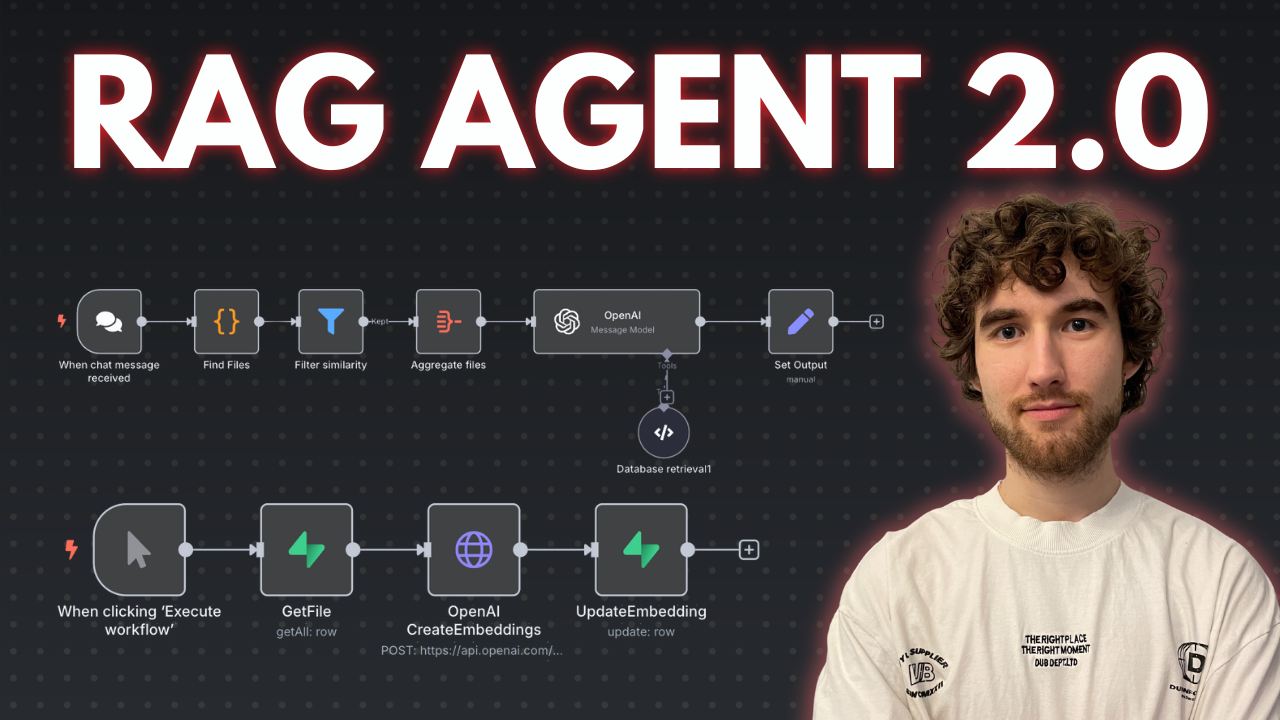](https://www.youtube.com/watch?v=asXVOHg89hs)
[Youtube Link](https://www.youtube.com/watch?v=asXVOHg89hs)
Who is this for?
This workflow suits developers, AI enthusiasts, and data engineers working with vector stores and large document collections who want to enhance the precision of AI retrieval by leveraging metadata-based filtering before deep content search. It helps users managing many files or documents and aiming to reduce noise and input size limits in AI queries.
What problem does this workflow solve?
Performing vector searches directly on large numbers of document chunks can degrade AI input quality and introduce noise. This workflow implements a two-stage retrieval process that first searches file descriptions to filter relevant files, then runs vector searches only within those files to fetch precise results. This reduces irrelevant data, improves answer accuracy, and optimizes performance when dealing with dozens or hundreds of files split into multiple pieces.