Turn ideas into movies with DeepSeek, RunwayML, ElevenLabs & Creatomate
How It Works 1. Story Generation – Your idea is transformed into a narrative split into scenes using DeepSeek LLM. 2. Visuals – Each scene is illustrated with AI images via Replicate, then animated into cinematic vide...
Template notes
How It Works
1. Story Generation – Your idea is transformed into a narrative split into scenes using DeepSeek LLM. 2. Visuals – Each scene is illustrated with AI images via Replicate, then animated into cinematic video clips with RunwayML. 3. Voice & Music – Narration is created using ElevenLabs (text-to-speech), while Replicate audio models generate background music. 4. Final Assembly – All assets are merged into a professional video using Creatomate. 5. Delivery – Everything is orchestrated by n8n, triggered from Slack with /render, and the final video link is delivered back instantly.
---
Workflow in Action
1. Trigger from Slack Type your idea with /render in Slack - the workflow starts automatically. 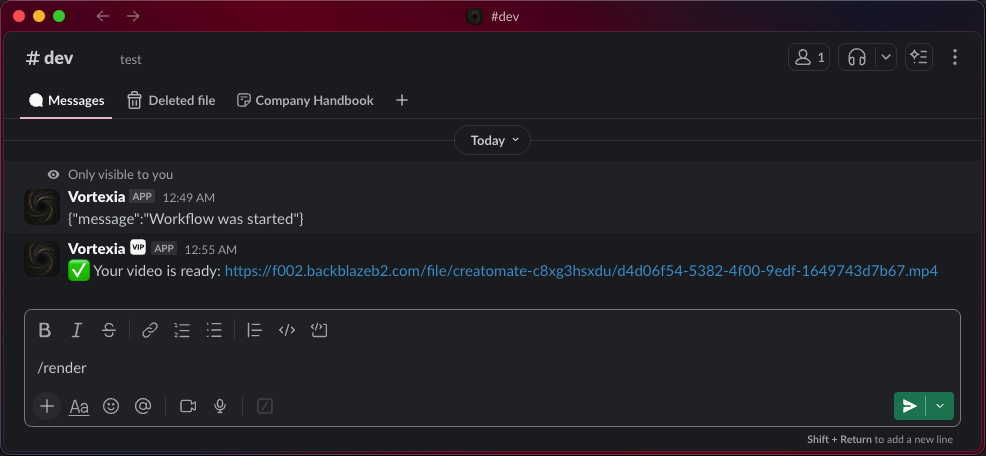
2. Final Video Output Receive a polished cinematic video link in Slack. 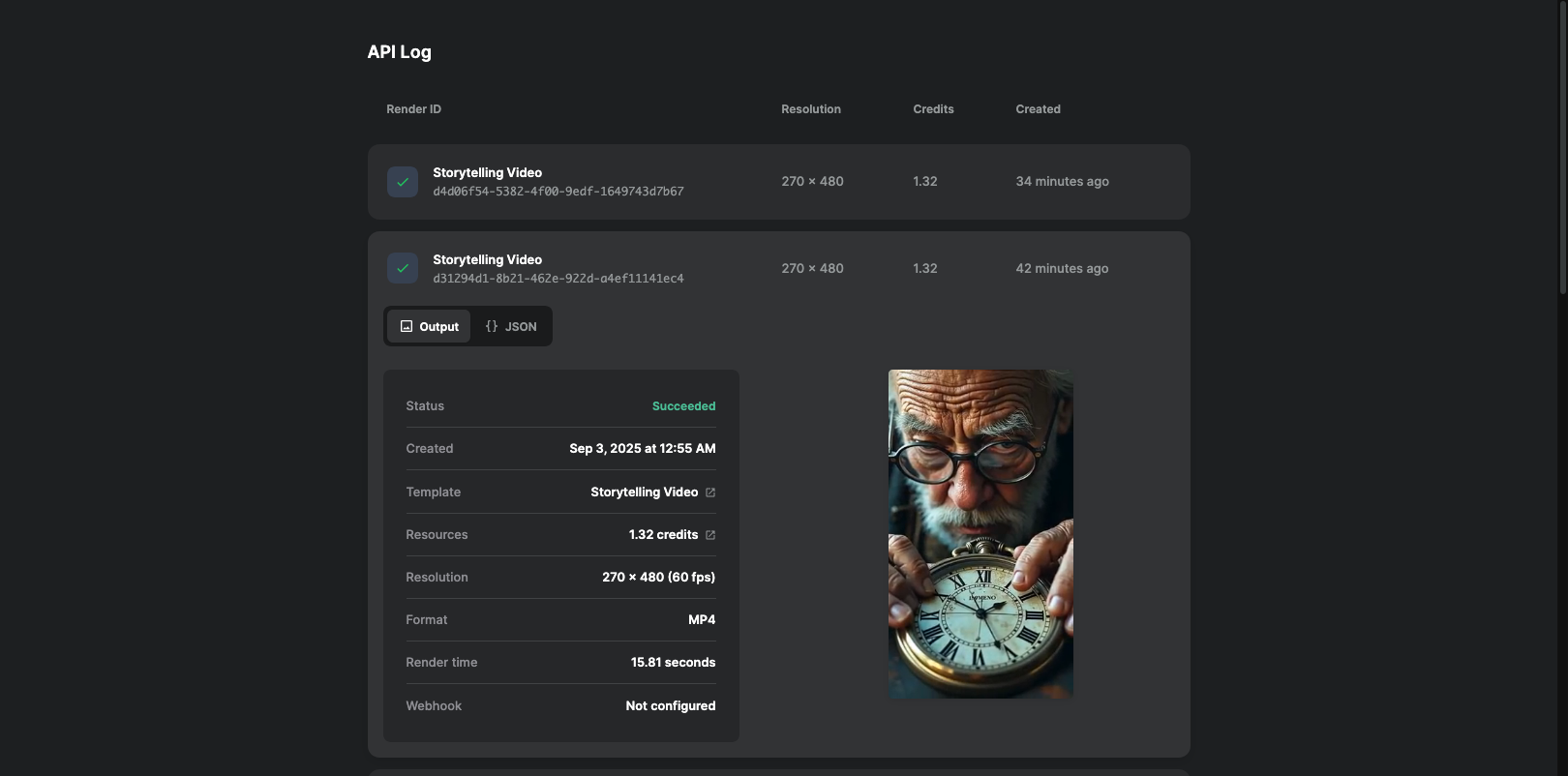
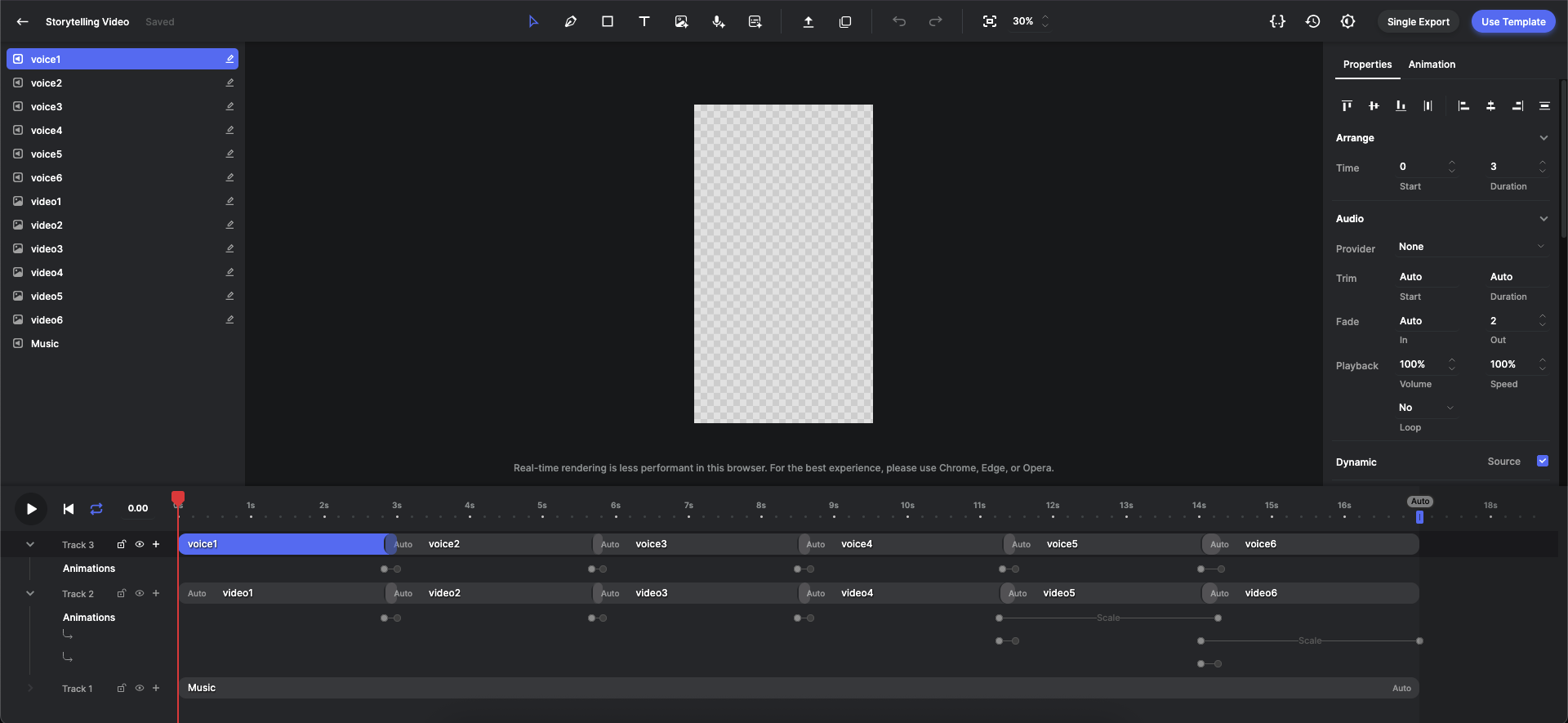
3. Creatomate Template ⚠️ Important: You must create your own template in Creatomate.
This is a one-time setup - the template defines where the voiceover, music, and video clips will be placed. The more detailed and refined your template is, the better the final cinematic result.