Turn emails into AI-enhanced tasks in Notion (multi-user support) with Gmail, Airtable and Softr
Purpose This workflow automatically creates Tasks from forwarded Emails, similar to Asana, but better. Emails are processed by AI and converted to rather actionable task. In addition this workflow is build in a way, t...
Template notes
Purpose
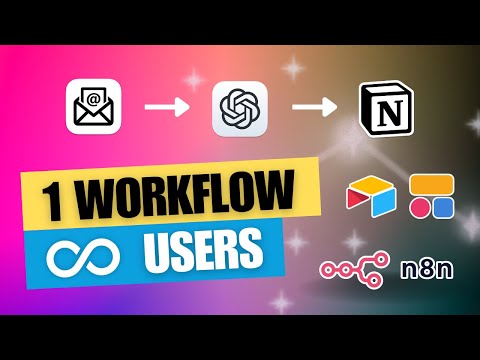
This workflow automatically creates Tasks from forwarded Emails, similar to Asana, but better. Emails are processed by AI and converted to rather actionable task.
In addition this workflow is build in a way, that multiple users can share this single process by setting up their individual configuration through a user friendly portal (internal tool) instead of the need to manage their own workflows.
Demo
[](https://youtu.be/7cIvSqJAY0E)
How it works
- One Gmail account is used to process inbound mails from different users. - A custom web portal enables users to define “routes”. Thats where the mapping between an automatically generated Gmail Alias and a Notion Database URL, including the personal API Token, happens. - Using a Gmail Trigger, new entries are split by the Email Alias, so the corresponding route can be retrieved from the Database connected to the portal. - Every Email then gets processed by AI to get generate an actionable task and get a short summary of the original Email as well as some metadata. - Based on a predefined structure a new Page is created in the corresponding Notion Database. - Finally the Email is marked as “processed” in Gmail. - If an error happens, the route gets paused for a possible overflow and the user gets notified by Email.
Setup