Create AI-generated books with GPT-4.1-mini, DALL-E, Google Drive and AWS S3
Multi-Agent Book Creation Workflow with AI Tool Node and GPT-4, DALL-E [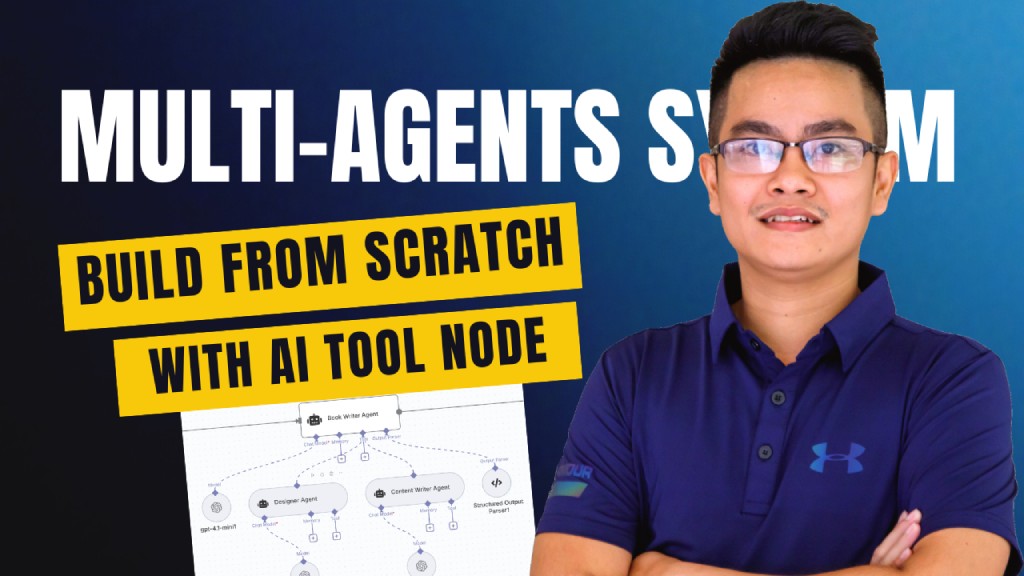...
Template notes
Multi-Agent Book Creation Workflow with AI Tool Node and GPT-4, DALL-E [](https://www.youtube.com/watch?v=o1x8Tw7FwQ)
Who’s it for This workflow is designed for: - Content creators who want to generate books or structured documents automatically. - Educators and trainers who need quick course materials, eBooks, or study guides. - Automation enthusiasts exploring multi-agent systems using the newly released AI Tool Node in n8n. - Developers looking for a reference template to understand orchestration of multiple AI agents with structured output.
How it works / What it does This template demonstrates a multi-agent orchestration system powered by AI Tool Nodes: 1. Trigger: Workflow starts when a chat message is received. 2. Book Brief Agent: Generates the initial book concept (title, subtitle, and outline). 3. Book Writer Agent: Expands the outline into full content by collaborating with two sub-agents: - Designer Agent → Provides layout/design suggestions. - Content Writer Agent → Drafts and refines chapters. 4. Generate Cover Image: AI generates a custom book cover image. 5. Upload to AWS S3: Stores the cover image securely. 6. Configure Metadata: Adds metadata for title, author, and description. 7. Build Book HTML: Converts markdown-based content into HTML format. 8. Upload to Google Drive: Saves the HTML content for processing. 9. Convert to PDF: Transforms the book into a professional PDF. 10. Archive to Google Drive: Final version is archived for safe storage.
This workflow showcases multi-agent coordination, structured parsing, and seamless integration with cloud storage services.
How to set up 1. Import the workflow into n8n. 2. Configure the following connections: - OpenAI (for Book Brief, Book Writer, Designer, and Content Writer Agents). - AWS S3 (for image storage). - Google Drive (for document storage & archiving). 3. Add your API keys and credentials in n8n credentials manager. 4. Test the workflow by sending a sample chat message (e.g., “Write a book about AI in education”). 5. Verify outputs in Google Drive (HTML + PDF) and AWS S3 (cover image).
Requirements - n8n (latest version with AI Tool Node support). - OpenAI API key (to power multi-agent models). - AWS account (with S3 bucket for storing images). - Google Drive integration (for document storage and archiving). - Basic familiarity with workflow setup in n8n.
How to customize the workflow - Switch Models: Replace gpt-4.1-mini with other models (faster, cheaper, or more powerful). - Add More Agents: Introduce agents for editing, fact-checking, or translation. - Change Output Format: Export to EPUB, DOCX, or Markdown instead of PDF. - Branding Options: Modify the cover generation prompt to include company logos or specific style. - Extend Storage: Add Dropbox, OneDrive, or Notion integration for additional archiving. - Trigger Alternatives: Replace chat trigger with form submission, webhook, or schedule-based runs.
✅ This workflow acts as a free, plug-and-play template to showcase how multi-agents + AI Tool Node can work together to automate complex content creation pipelines.