Bulk resume screening & JD matching with GPT-4 for HR teams
TalentFlow AI – Bulk Resume Screening with JD Matching [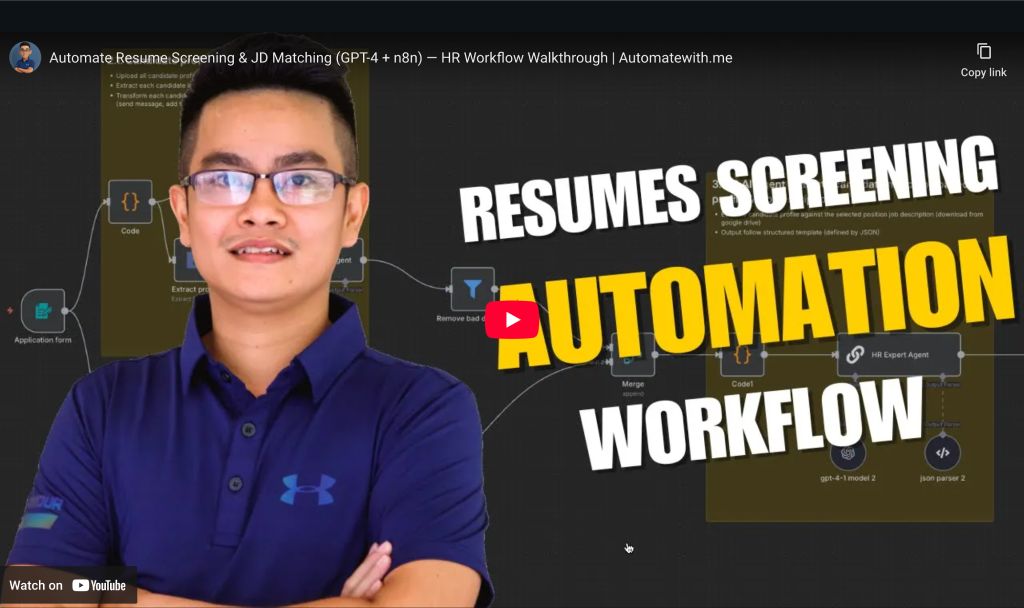](https://www.youtube.com/watch?v=MD1krFvVKdU...
Template notes
TalentFlow AI – Bulk Resume Screening with JD Matching [](https://www.youtube.com/watch?v=MD1krFvVKdU) Automatically extract, evaluate, and shortlist multiple resumes against a selected job description using GPT-4. This smart, scalable n8n workflow helps HR/TA teams streamline hiring decisions while keeping results structured, auditable, and easy to share.
---
👤 Who’s it for
This workflow is designed for: - HR or Talent Acquisition (TA) teams handling multiple candidates per role - Recruiters who want AI-assisted resume screening to save time and reduce bias - Organizations that want to automatically log evaluations and keep stakeholders updated in real-time via Slack or Sheets
---
⚙️ How it works / What it does
1. HR/TA uploads multiple candidate resumes and selects a job role 2. Each resume is: - Uploaded to Google Drive - Parsed with GPT-4 to extract structured profile data 3. The job description for the selected role is: - Retrieved from Google Sheets - Downloaded from Drive and parsed 4. The profile + JD are sent to an AI agent to generate: - Fit score - Strengths & gaps - Final recommendation 5. Results are: - Appended to the evaluation tracking sheet - Optionally shared with the hiring team on Slack - Used to trigger emails to qualified or unqualified candidates
---