🔊 Browser recording audio transcribing and AI analysis with Deepgram and GPT-4o
 Overview Transcript Evalu8r V2 is a robust browser-based transcript analysis tool powered by Deepgram’s speech-to-text API a...
Template notes

Overview
Transcript Evalu8r V2 is a robust browser-based transcript analysis tool powered by Deepgram’s speech-to-text API and built into an n8n workflow template. This release introduces full in-browser audio recording, device selection, and playback functionality, allowing users to capture and analyze conversations without leaving their browser.
Designed for researchers, support teams, podcasters, legal professionals, and analysts, Transcript Evalu8r simplifies how you extract value from voice data using intuitive tools, AI-powered insights, and seamless automation.
---
✅ What’s New in V2
| 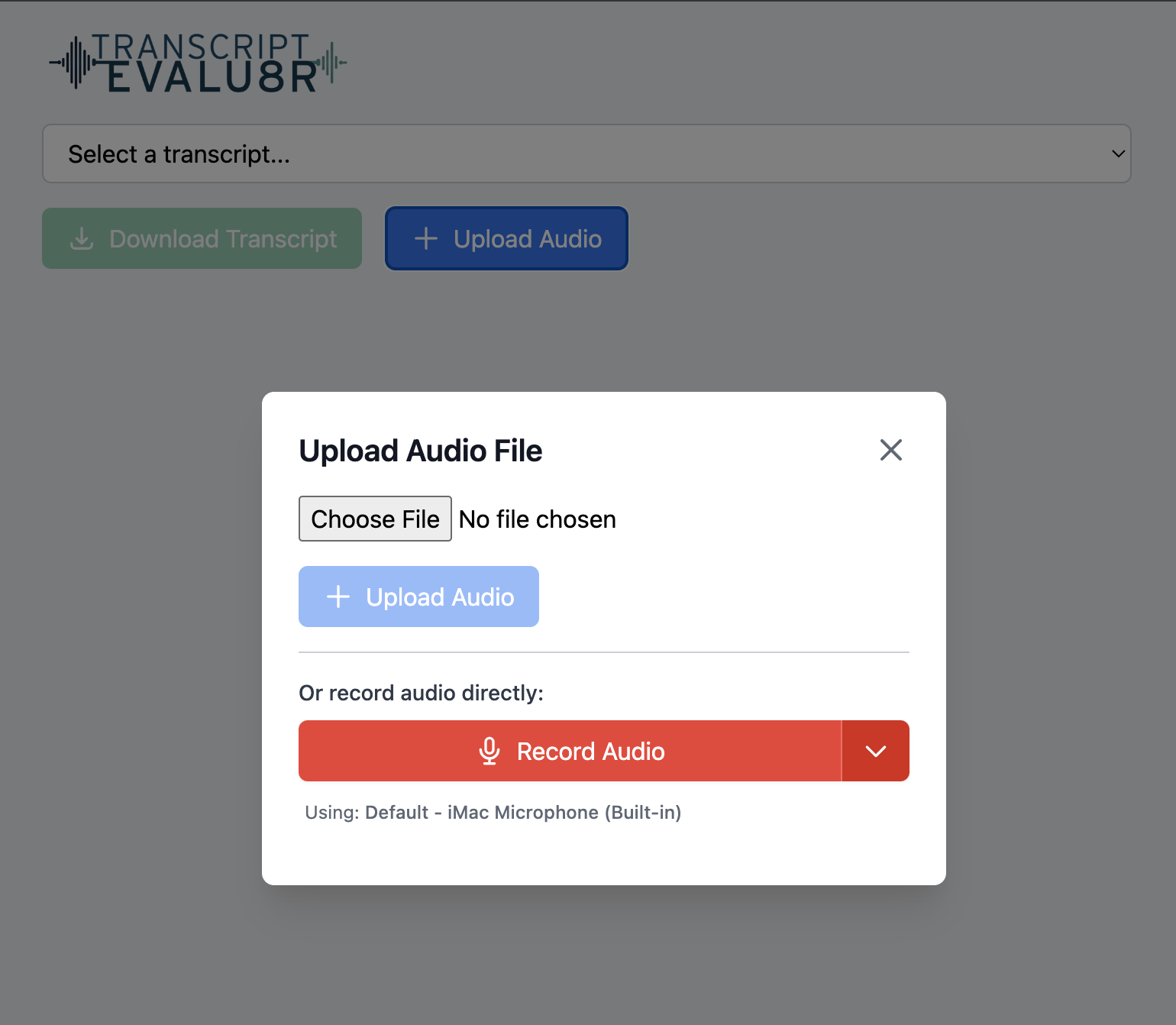 | 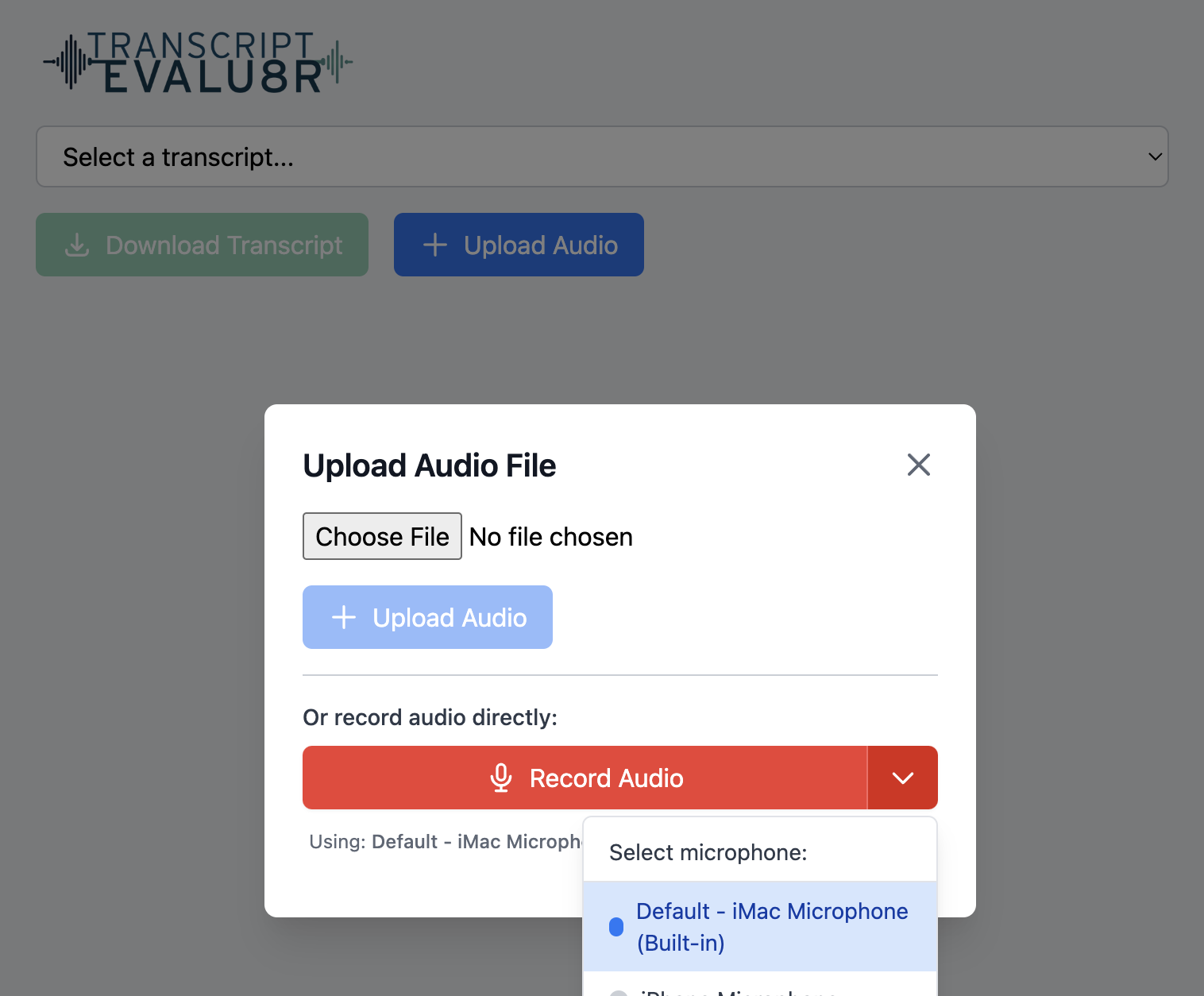 | |:--|:--| | 🔴 Record in Browser <brUsers can now record audio directly in the browser with one click. Record meetings, calls, or voice notes instantly—no external software required. | 🎧 Select Audio Input Devices <brUsers can choose from connected input devices (e.g., internal mic, USB mic, headset) before recording, ensuring maximum control and audio quality.|
▶️ Listen to Recording in Browser Once a recording is complete, users can immediately play back the audio in-browser to review before submitting for transcription—ensuring content is clear and relevant.