Automated Slack channel inactivity audit & report generator for workspace cleanup
Automated Slack Channel Audit Workflow with Chatbot and GPT-4.1 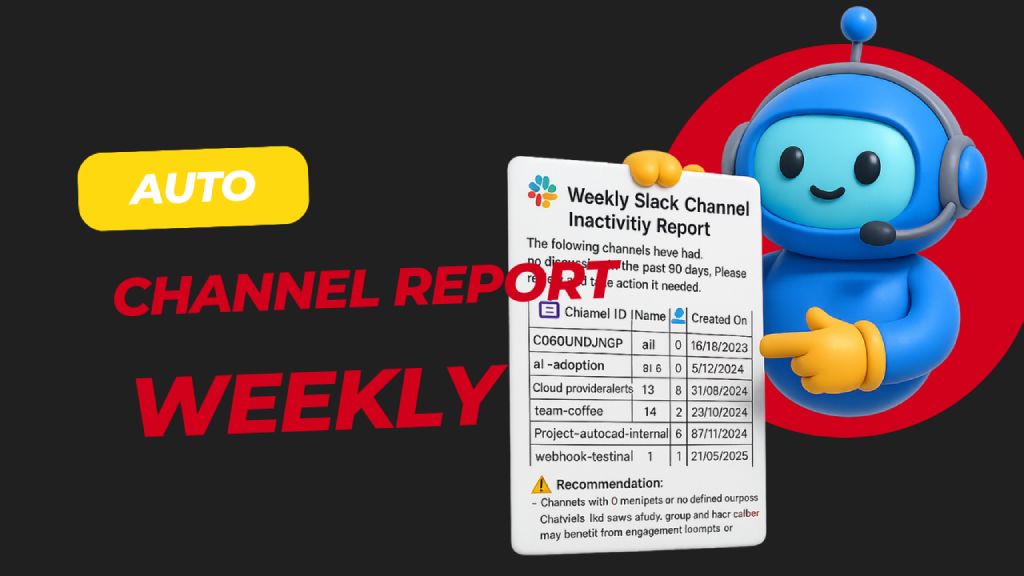 > Automatically scans all public Slack channels ...
Template notes
Automated Slack Channel Audit Workflow with Chatbot and GPT-4.1  > Automatically scans all public Slack channels weekly to detect those with no activity in the past 30 days, then generates and sends a detailed inactivity report to admins for review and action. Helps keep your Slack workspace clean, relevant, and clutter-free.
🧑💼 Who’s it for
This workflow is built for: - Slack Workspace Admins - IT or Ops Managers - HR/Compliance Teams …who want to maintain a clean and active Slack workspace by regularly reviewing inactive channels.
⚙️ How it works / What it does
This automated n8n workflow: 1. Runs weekly via a scheduled trigger. 2. Fetches all public Slack channels in the workspace. 3. Checks message history of each channel for activity. 4. Filters channels that have had no discussion in the past 30 days. 5. Generates a Slack-friendly report with key metadata (name, member count, purpose, etc.). 6. Sends the report to a Slack channel for admin review and possible action (e.g., archive, engage, repurpose).
🛠️ How to set up
1. Configure your Slack App - Go to https://api.slack.com/apps → Create App - Add the following OAuth scopes to your Bot Token: - channels:read → to get list of public channels - channels:history → to fetch message history - users:read → to personalize report (optional) - chat:write → to post the report to a Slack channel
2. Install the app in your workspace - Copy the Bot User OAuth Token - Add it to your n8n Slack credentials under "Slack API"