AI recruiting pipeline: Job to candidate shortlist with Apollo & Airtable
Who’s it for Recruiting agencies, executive search firms, and in-house talent teams that want to automate candidate sourcing and prequalification. Instead of spending hours searching, scoring, and writing outreach, th...
Template notes
Who’s it for Recruiting agencies, executive search firms, and in-house talent teams that want to automate candidate sourcing and prequalification. Instead of spending hours searching, scoring, and writing outreach, this workflow turns any job description into a ready-to-use shortlist with personalized messages.
Youtube Walkthrough [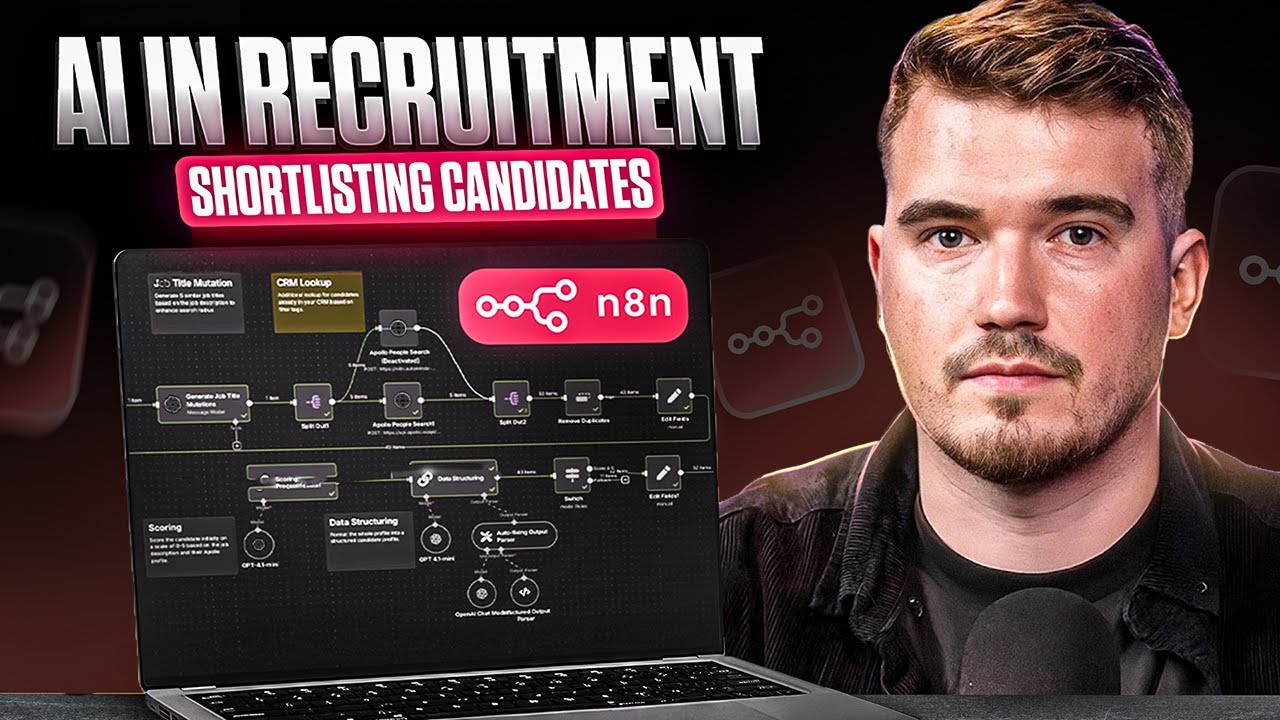](https://www.youtube.com/watch?v=ppbXEab8334)
What it does (How it works) This workflow takes a job description (title, description, and location) and runs a complete recruiting automation pipeline:
- Normalize job titles and generate variations to widen search coverage. - Search candidates in Apollo (or your CRM / database of choice). - Remove duplicates to keep clean lists. - Score candidates with AI (0–5) and provide concise reasoning across experience, industry, and seniority. - Enrich LinkedIn profiles (name, title, image, location, experience). - Create structured candidate assessments (summary, alignment, red flags, positives). - Generate outreach messages (email + LinkedIn DM) tailored to the candidate. - Write to Airtable for job/candidate tracking and downstream automation.
Everything is plug-and-play, with no manual searching or copy-pasting required.
Requirements - n8n (Cloud or self-hosted) - Airtable account + API access - Apollo API or your preferred candidate source - LLM provider: OpenAI or Anthropic - LinkedIn enrichment API (RapidAPI, Apify, etc.)
> ⚠️ Do not hardcode API keys in HTTP nodes. Always use Credentials in n8n.
Airtable table specifications Create one base (e.g., Candidate Search – From Job Description) with two tables: